Introduction
You walk into your kitchen, press the water purifier button, and suddenly notice something unusual — a water purifier red light blinking. Instantly, questions pop into your mind. Is the purifier damaged? Is the water unsafe? Do you need to call a technician?
Don’t be worried — usually, this is just a sign that requires your attention. It does not mean that your water purifier needs repair.
This article tells you about the possible reasons for a blinking red light, their meaning, and solutions.
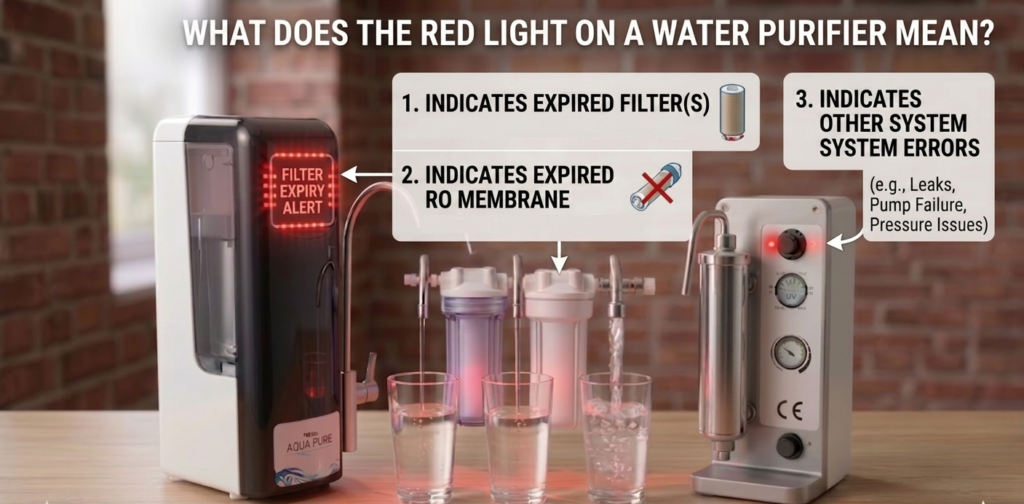
What Does the Red Light on a Water Purifier Mean?
LED Indicators Functionality
Nowadays, most water purifiers use indicator lights that show whether there is a problem with your device:
- Green → everything is alright
- Blue → purification process goes
- Orange → servicing needed
- Red → some action required
When the red light blinks, the purifier is telling you something needs attention.
Why Manufacturers Use Warning Lights
Think of it like your car dashboard. When the fuel light turns on, the car still runs — but you know you need fuel soon.
Similarly, a blinking red light indicates:
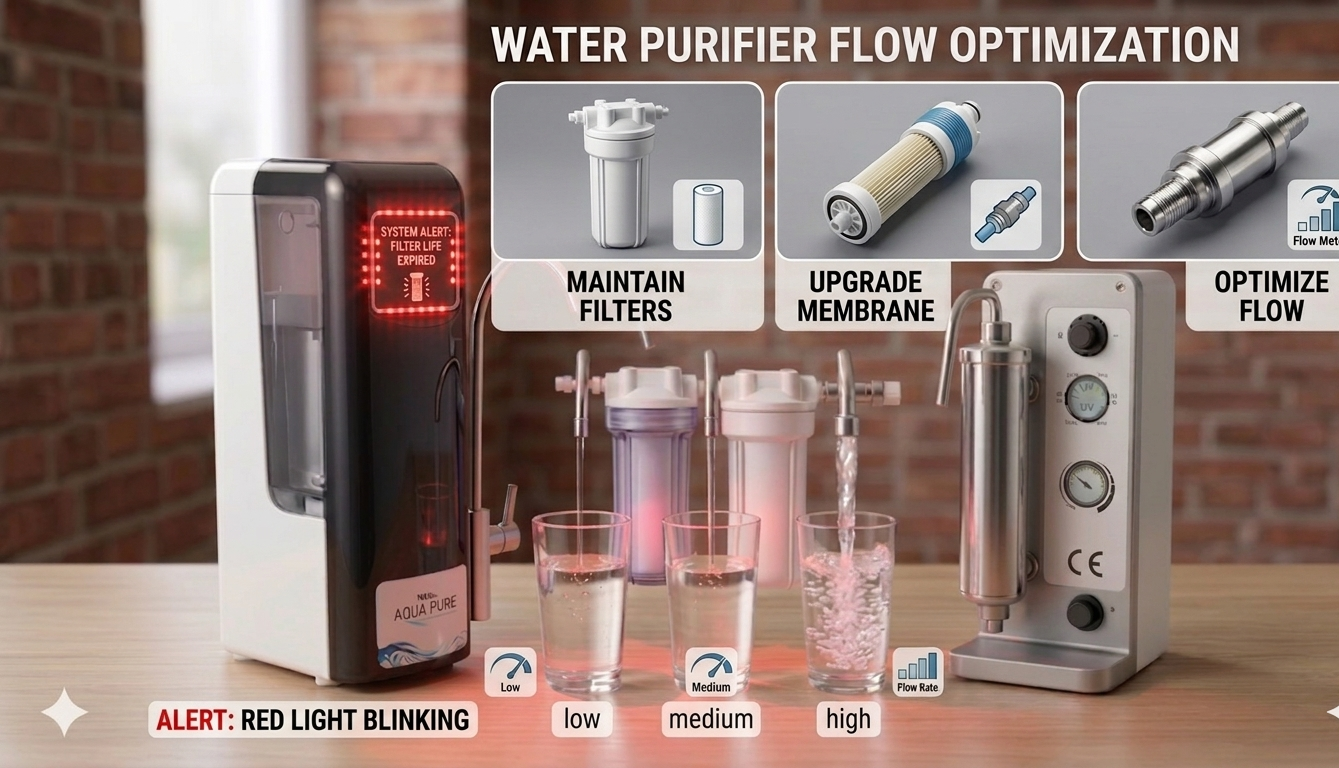
- Filter expired
- Low pressure
- Internal fault
- Service required
- UV lamp failure
Common Reasons Your Water Purifier Red Light Is Blinking
Filter Replacement Required
This is the most common reason. Filters have a limited lifespan. Once they expire:
- Water flow slows down
- Purification reduces
- Red light starts blinking
Most filters last:
- Sediment filter: 3–6 months
- Carbon filter: 6–12 months
- RO membrane: 12–24 months
If you haven’t replaced filters recently, this is likely the issue.
Low Water Pressure
RO purifiers require proper input pressure. If pressure drops:
- Pump struggles
- Purifier stops working
- Red light blinks
Low pressure happens due to:
- Empty overhead tank
- Blocked pre-filter
- Kinked pipe
- Low municipal supply
Tank Full Indicator
Some models blink red when:
- Storage tank is full
- Float valve stuck
- Sensor malfunction
Try using some water and check if the light stops.
UV/UF Lamp Failure
UV lamps kill bacteria. When the lamp fails:
- Purifier stops purification
- Red light turns ON
- Warning starts blinking
This requires technician replacement.
Electrical or Power Issue
Unstable voltage can trigger warning lights:
- Loose adapter
- SMPS problem
- Board issue
- Power fluctuation
Try switching power OFF and ON. If your purifier is not powering on at all, check this complete guide on water purifier not turning on for step-by-step troubleshooting.
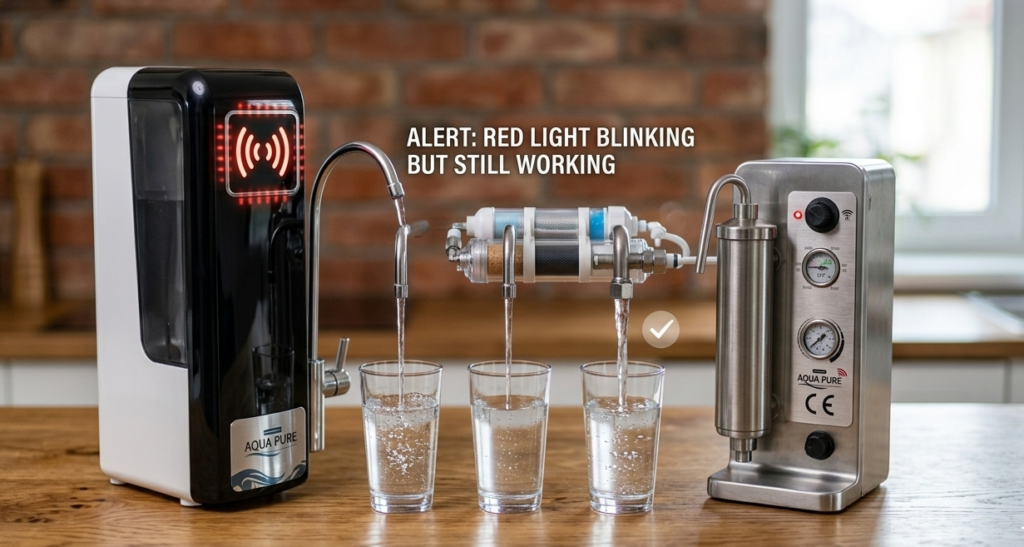
Water Purifier Red Light Blinking But Still Working
Should You Continue Using It?
If water is still coming, you may still use it temporarily. But don’t ignore the warning.
The purifier might be:
- Running with expired filters
- Reducing purification
- Delivering unsafe water
Hidden Risks
You may not notice immediately:
- TDS increase
- Bacteria growth
- Bad taste later
- Health risk
So treat blinking red light as early warning.
Red Blinking Light on Water Purifier with No Water
This represents a major problem.
Internal Error
Some possibilities are:
- Pump problems
- Solenoid valve malfunction
- Sensor problems
- Board problem
Pump or SMPS Problems
If pump stops working:
- No purification process
- No water coming out
- Red light blinking constantly
This needs repair. You can also read our detailed article on RO water purifier no water flow to understand all possible causes and solutions.
Meaning of Red Light Based on Brands
Kent Water Purifier Red Light
It usually means:
- Filter life exceeded
- Service needed
- UV malfunction
Aquaguard Red Light
Generally signifies:
- Replace cartridge
- Error found
- No input water
Livpure Red Light
Some causes:
- Expired filter
- Low pressure
- Internal malfunction
How to Fix Red Light Blinking Water Purifier
Perform the following:
Step 1: Reset Water Purifier
- Turn OFF power supply
- Wait for 5 minutes
- Turn ON
This can solve minor issues.
Step 2: Inspect Water Supply
Make sure that:
- Input water present
- No pipe blockage
- Valve opened
- Tank full
Step 3: Change Filters
If your purifier is old:
- Change sediment filter
- Change carbon filter
- Change membrane
This generally stops the red light.
Step 4: Inspect Power Supply
Check if:
- Adapter is fine
- Plug is okay
- Voltage is correct
- Wiring loose
When Should I Contact a Technician?
Contact technician if:
- Red light continues blinking
- No water output
- Odd sounds
- Bad-tasting water
- Not starting
Neglecting this will harm your purifier. If your purifier has completely stopped working along with the warning light, read our detailed guide on why your water purifier is not working and how to fix it.
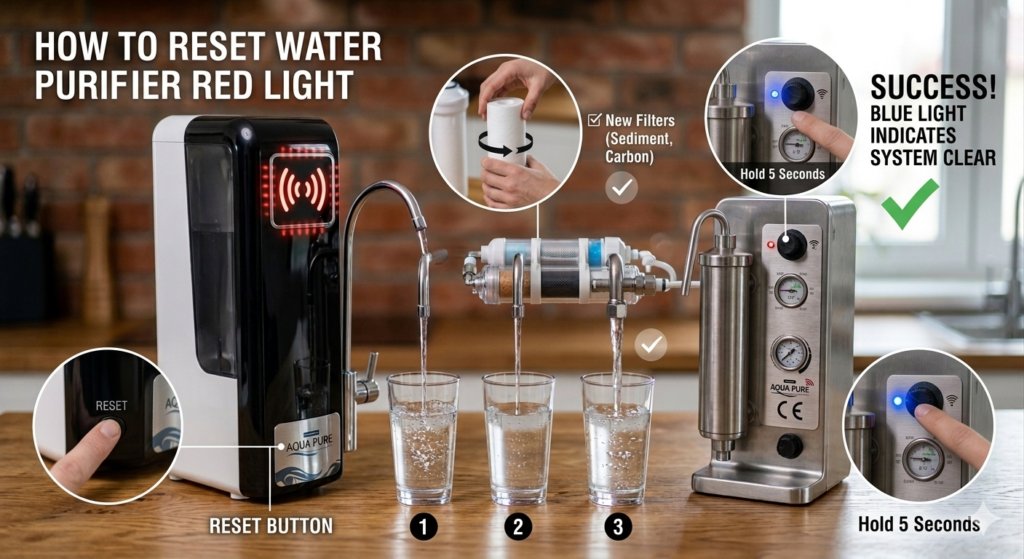
How to Reset Water Purifier Red Light
Manual Reset Method
- Turn OFF purifier
- Hold reset button
- Turn ON power
- Hold for 5 seconds
- Release button
Red light should stop.
Auto Reset Method
Some purifiers reset automatically after:
- Filter change
- Power restart
- Tank refill
How to Prevent Red Light Blinking in Future
Regular Maintenance
Service purifier every:
- 6 months (normal use)
- 3 months (hard water areas)
Filter Replacement Schedule
Follow this:
- Pre filter → 6 months
- Carbon filter → 12 months
- RO membrane → 18 months
Water filters need regular replacement to maintain performance. The U.S. Environmental Protection Agency also recommends timely filter changes to ensure safe drinking water.
Proper Installation
Ensure:
- Stable voltage
- Proper water pressure
- Clean input water
- No pipe bending
Is It Safe to Drink Water When Red Light Is Blinking?
Short answer: Not recommended
Because:
- Filter may be expired
- Purification reduced
- Bacteria risk increases
Use temporarily only if necessary. According to the World Health Organization, properly treated drinking water is essential to prevent harmful contaminants and waterborne diseases. You can read more about drinking water safety on the WHO website.
Red Light vs Other Indicator Lights
Green Light
- Normal operation
- Water safe
- No issue
Orange Light
- Service soon
- Filter nearing end
- Not urgent
Blue Light
- Purification running
- Tank filling
Quick Troubleshooting Table
| Problem | Possible Cause | Solution |
|---|---|---|
| Red light blinking | Filter expired | Replace filters |
| Red light + no water | Pump issue | Call technician |
| Red light + slow flow | Low pressure | Check supply |
| Red light after service | Reset needed | Reset purifier |
| Red light continuously ON | Internal fault | Service required |
Conclusion
A water purifier red light blinking is not something to ignore — but it’s also not a reason to panic. Most of the time, it simply means your purifier needs maintenance, filter replacement, or a quick reset.
Start by checking water supply, resetting the unit, and inspecting filters. If the problem continues, calling a technician is the safest option.
Remember, your water purifier protects your health. When it shows a warning, it’s better to act early rather than risk drinking unsafe water.
You can also check our complete guide on common water purifier problems and solutions to troubleshoot other issues quickly.
FAQs
1. Why is my water purifier red light blinking continuously?
It usually indicates filter expiry, low water pressure, or internal fault. Try resetting and checking water supply.
2. Can I drink water when red light is blinking?
It’s not recommended. The purifier may not be filtering properly.
3. How do I reset my water purifier red light?
Turn OFF the purifier, wait 5 minutes, and turn it ON again. Some models have reset buttons.
4. Does red light mean filter change?
Yes, in most cases blinking red light means filters need replacement.
5. Why is red light blinking but water still coming?
The purifier is still working but warning you about maintenance or filter expiry.